Website & CRM
Send enquiries, registrations and downloads to your CRM. At Noesis, website forms pass data to Salesforce, where existing contacts are recognised, leads updated and campaigns linked.


INTEGRATIONS & API CONNECTIONS
Need an API integration between your website, CRM, ERP system or other applications? We connect your existing software so data reaches the right place automatically. Less retyping, fewer manual exports. Your team keeps using the tools it knows.

What is an API integration?
API stands for application programming interface: a defined way for software to exchange data or perform actions. An API integration connects two applications through that interface. For example, an enquiry on your website can go straight into your CRM. Zenjoy assesses, builds and maintains these integrations for businesses and organisations.
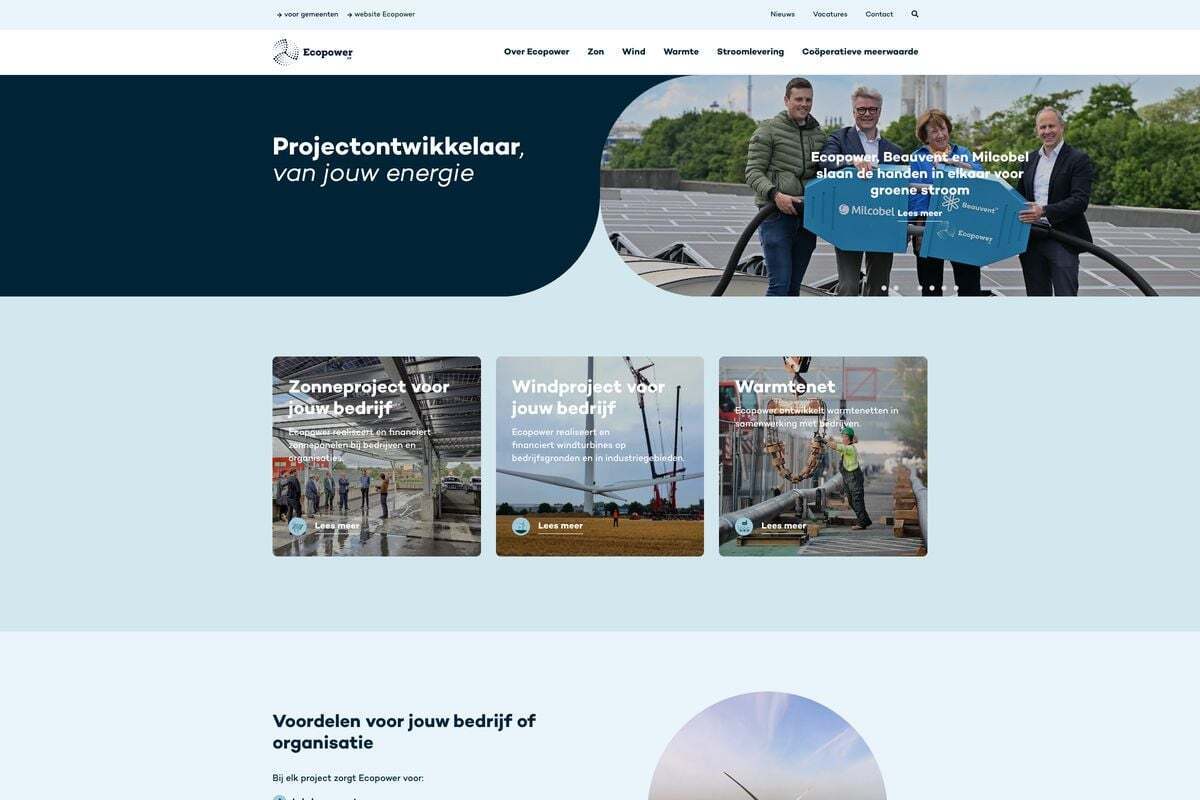
We connected the website and customer portal to SAP, Haugazel and later Odoo in several stages. This brought contract management, customer data and invoicing into the online platform.
Website / customer portal ↔ business systems
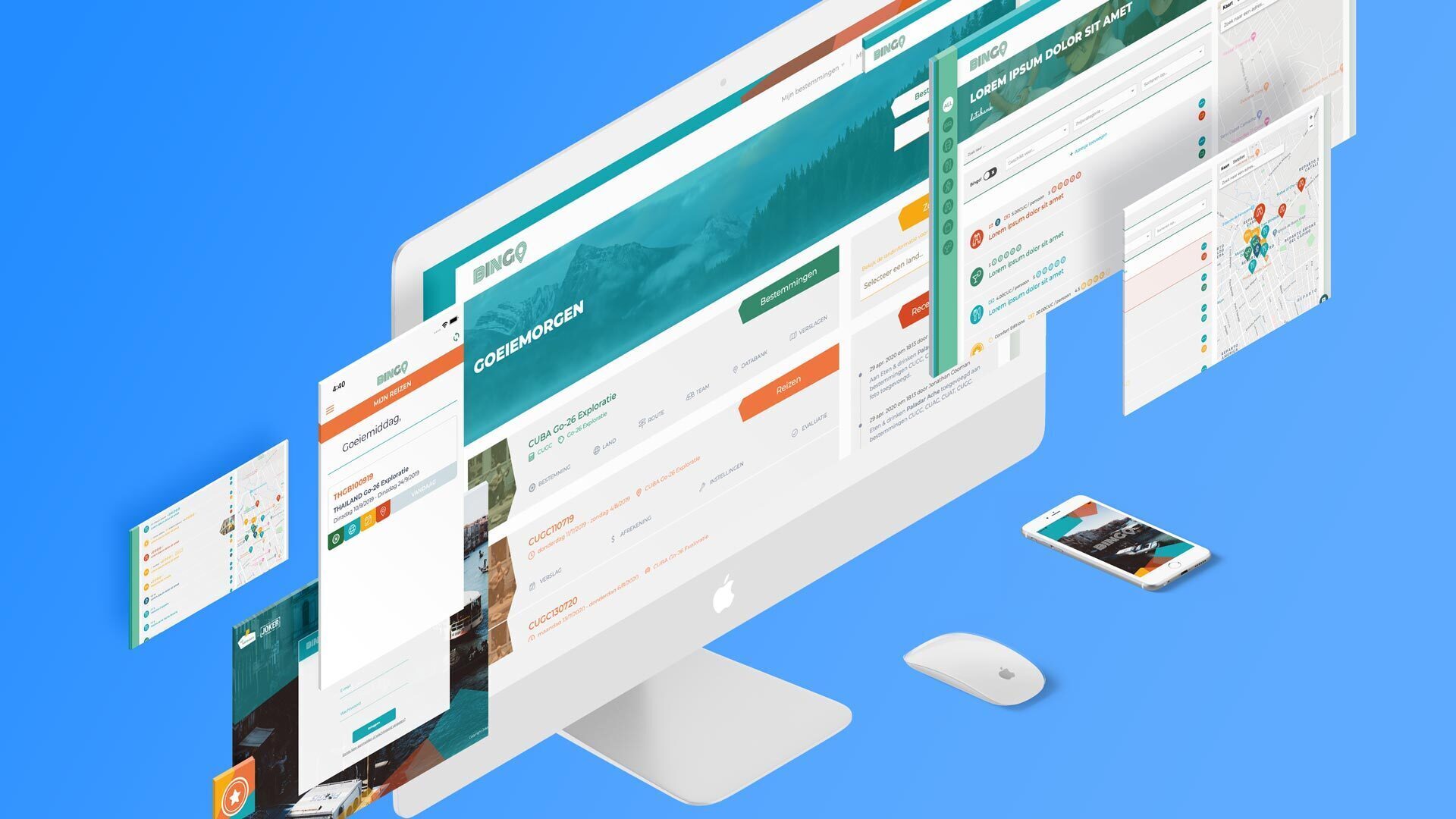
For Karavaan & Joker, we connected the Bingo platform to their booking system. The platform now exchanges data with the software behind their trips.
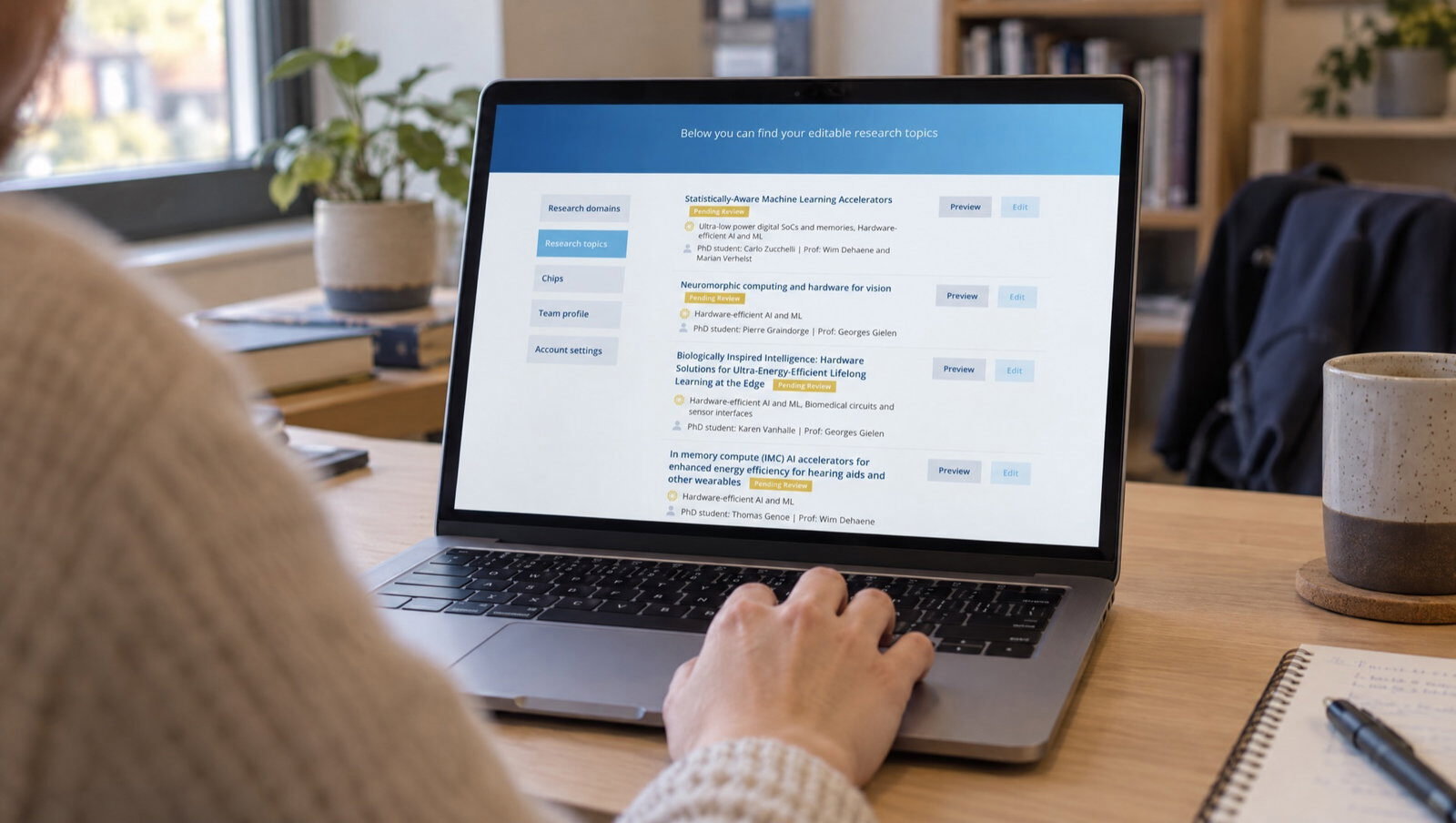
The MICAS platform retrieves publications from Lirias every night and links them to the relevant researchers and research areas. The department no longer needs to maintain separate publication lists.
Website forms send enquiries to Salesforce. Existing contacts are recognised, leads updated and campaigns linked.
Website forms → Salesforce
Nimbu and Airtable exchange volunteer data. Information about day-to-day activities comes together for management and reporting.
Nimbu ↔ Airtable
An enquiry comes in through the website. Someone copies the details into the CRM, then again into the administration system.
Data is scattered across different applications. Bringing it together and checking it is a task you repeat every time.
An address changes, an order is updated or a membership ends. The change does not reach every system.
You want to keep what works and add the missing connection. That is where we start: with the manual work between your tools.
From familiar packages to software built specifically for your organisation. We start with the data that needs to move and what should happen next.
Send enquiries, registrations and downloads to your CRM. At Noesis, website forms pass data to Salesforce, where existing contacts are recognised, leads updated and campaigns linked.
Connect customer data, contracts and invoicing to your online services. For Ecopower, we connected the website and customer portal to SAP, Haugazel and later Odoo in several stages.
Bring data from everyday tools together for tracking and reporting. At Awel, Nimbu and Airtable exchange volunteer data, bringing information about day-to-day activities together for management and reporting.
Bring spreadsheets, partner data and other sources into your platform. For RREUSE, we built import and synchronisation flows that bring data from external spreadsheets together in one manageable platform.
What about an online shop, accounting software or an older application? Tell us what you use and which workflow you want to automate. We explore the options through APIs, webhooks or file exchange.
We first look at what your software already offers. The answer might be an existing connector, an automation tool or a custom integration. The choice depends on your process, the access available and what it takes to maintain the connection.
Which systems do you use? Which data do you copy between them? We identify the source system and decide when changes should be passed on.
Our developers review the API documentation, access permissions and supplier limitations. We check which data the systems can exchange. You receive a proposal with a clearly defined first integration, a budget and maintenance arrangements.
We test with representative data, including incomplete input, duplicate records and a system that temporarily stops responding.
We agree how errors will be flagged, who will respond and how changes to the connected systems will be handled.
A successful test is just the start. Software changes, data can be incomplete and systems can go down temporarily. That is why ongoing support is part of our proposal.
We agree which checks and error alerts are needed, how processing can be reviewed and who will follow up on problems.
Which data do we exchange, who gets access and which system is the source of truth? We also agree how updates, documentation and maintenance will be handled.
Does your process also need to read documents, understand emails or summarise information? Discover what you can automate with AI workflows →
An API is a defined way for software to make data available or allow actions. An API integration lets one application ask another to create a customer record or retrieve a status, for example.
Often, yes. We look at which data and actions are accessible, with what permissions and under which conditions. The names of your applications and one concrete example of manual work are a useful starting point.
Sometimes we can use webhooks, an export or file exchange, for example through SFTP. We investigate what the supplier supports and how often the data needs updating. Internet access alone is not a guarantee.
If it supports the right data and actions and offers enough control, we use it. A custom integration becomes useful when your process, data structure or exceptions do not fit an existing connector.
That depends on the access available, data quality, the number of data flows and the checks required. An existing connector involves different work from a two-way integration with complex exceptions. After the initial assessment, we define the scope, budget and schedule.
We agree this in advance: who responds to alerts, which support is included and how changes to the connected software are tested and implemented.
Not always. Some changes need to be passed on immediately; for a report, daily synchronisation may be enough. We choose the frequency based on how you work and what the connected systems support. We also agree which system takes priority when data differs.
We limit access to the data and actions the integration needs. For authentication and encrypted connections, we work with the capabilities of the connected systems. We also agree who manages access permissions and which personal data may appear in error messages.
Tell us which tools you use and what you still retype or export today. Together, we will work out which integration makes sense.
Talk to someone who understands the work. No obligation, no sales pitch.